Virtual 360 Tours
(USER-Controlled)
Immerse clients in your developments without hassle.
• View immersive 360° navigable panoramas.
• Visual hotspots allow step-driven movement
• Non-platform dependent (HTML5)
• Available to view on desktop, laptop, tablet, smartphone, and VR headset. All from THE SAME SITE, USING THE same content. Additional pop-up content IS ALSO AVAILABLE WITHIN PANORAMAS, SUCH AS INFO SHEETS, EMBEDDED VIDEOS, and audio.
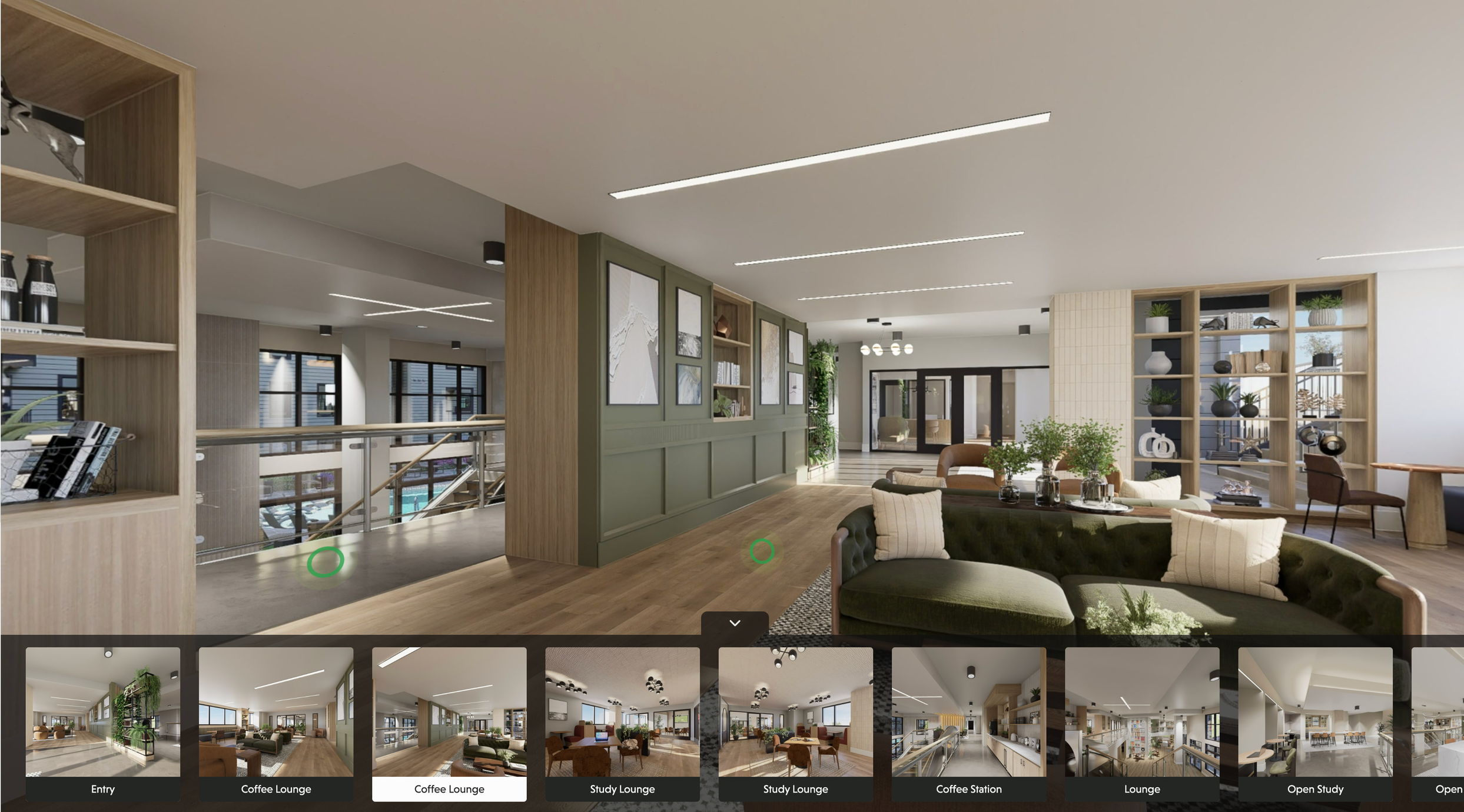

Interiors
Get an inside look at student life at 114 Earle. This interactive virtual tour allows future residents to explore apartment interiors, community amenities, study areas, and social spaces at their own pace. Designed to help students make informed housing decisions, the experience offers a realistic preview of the environment, convenience, and lifestyle that await just steps from campus.
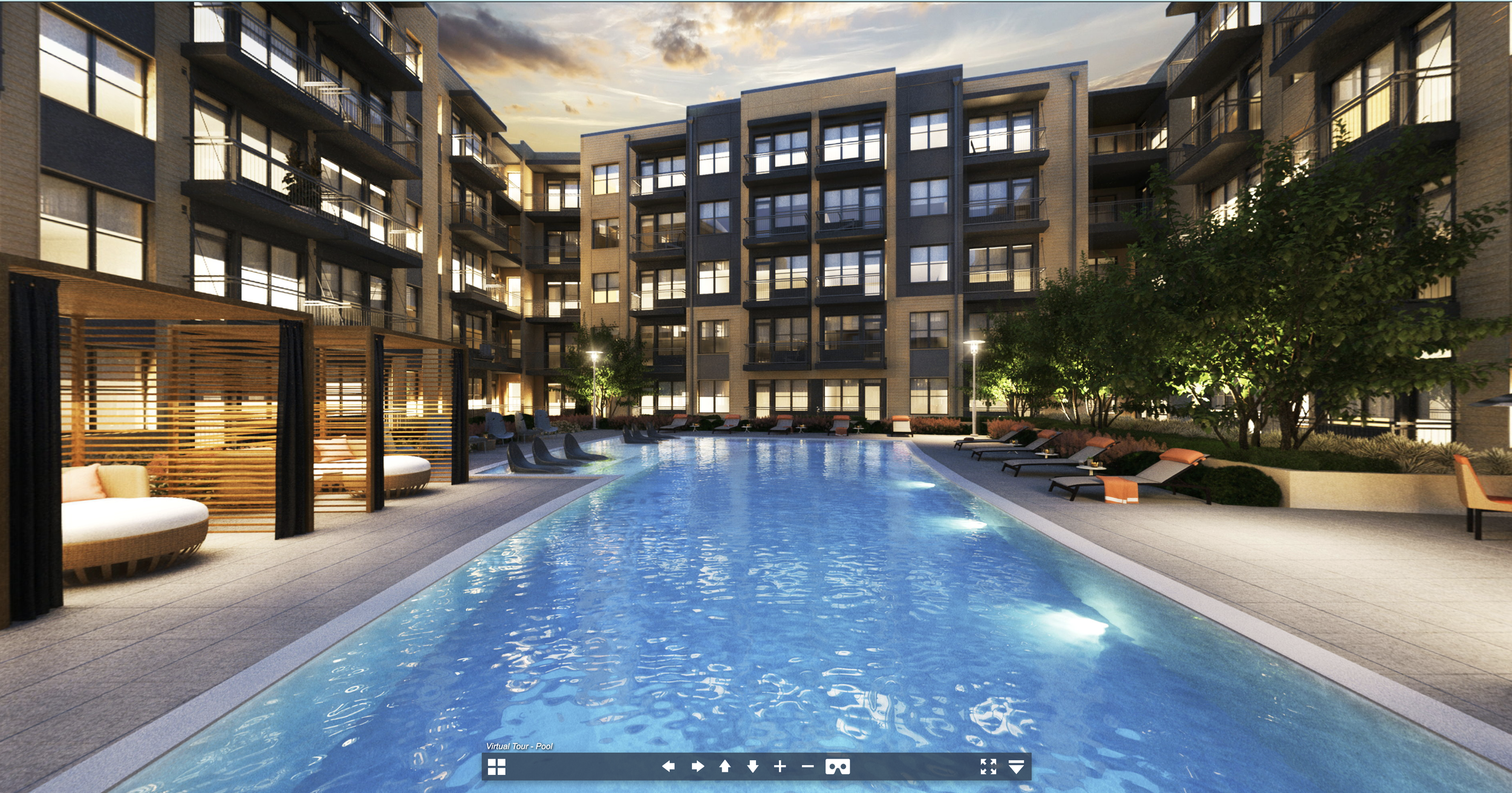
A virtual reality tour of the new pool deck at the Fairfield residential development allowed current residents to explore the upgrades and helped potential renters visualize their future amenity space. This approach proved effective in driving pre-leasing and boosting sales—an example of how immersive tools can enhance engagement and deliver results.
Exteriors
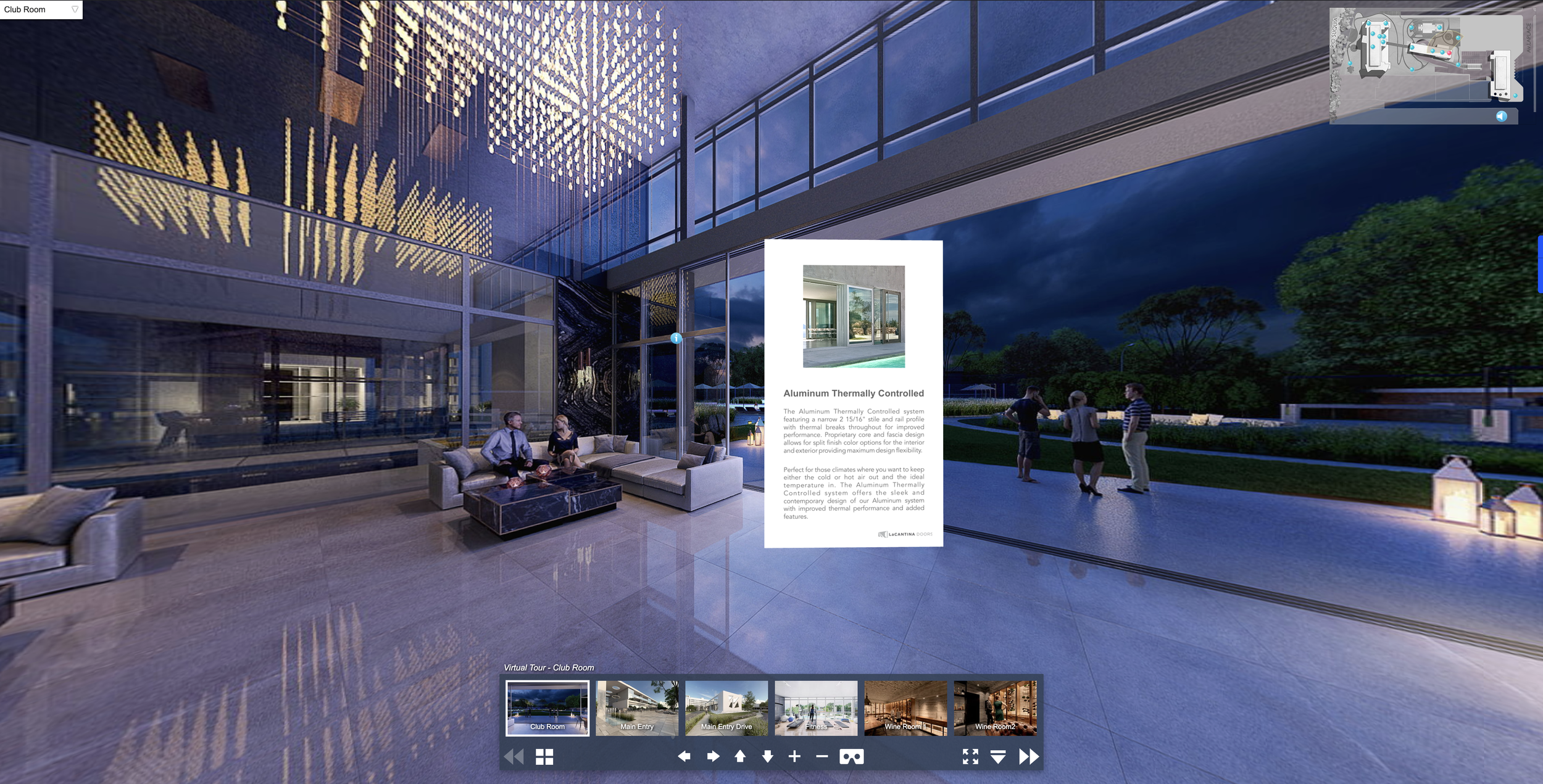
Our newest virtual tour is designed to elevate the experience for your clients and property management teams. The interactive site map and intuitive drop-down menus make it easy for prospective residents to explore your community. Sound-activated focal points create an immersive storytelling experience, helping clients envision the lifestyle your property offers.
Interactive
How to Navigate Our Virtual Tours Across Devices
Our virtual tours are designed for seamless navigation across multiple platforms. Here’s how you can explore:
Desktop/Laptop:
Use your mouse to navigate around the space.
Click on navigation arrows to move forward through the tour.
Smartphone/Tablet:
Touch and drag to look around the environment.
Tap on navigation arrows to progress through the tour.
Smartphone with Gyroscope (VR Headset):
Open one of our demos. (For Samsung Gear VR users, follow the additional steps below first.)
Tap the Google Cardboard icon in the tour interface.
Rotate your phone to explore the environment in 360° using gyro-motion.
Turn your phone sideways to activate stereoscopic view for use with a VR headset.
Samsung Gear VR (Powered by Oculus):
To use with Gear VR, temporarily disable the USB connection to bypass the Gear VR interface:
Download the “Play Cardboard Apps on Gear VR” app from the Play Store.
This app also enables other VR apps or 3D video playback.
Open the app and tap the Google Cardboard icon.
Follow the steps under Smartphone with Gyroscope (VR Headset) to complete setup.